PROJECT STUDY
Continuum
Keep critical knowledge in motion.
A knowledge resilience platform whose purpose is to show where critical know-how rests on one or two people, built on a secure, three-role Next.js, NestJS and PostgreSQL foundation.
Explore the build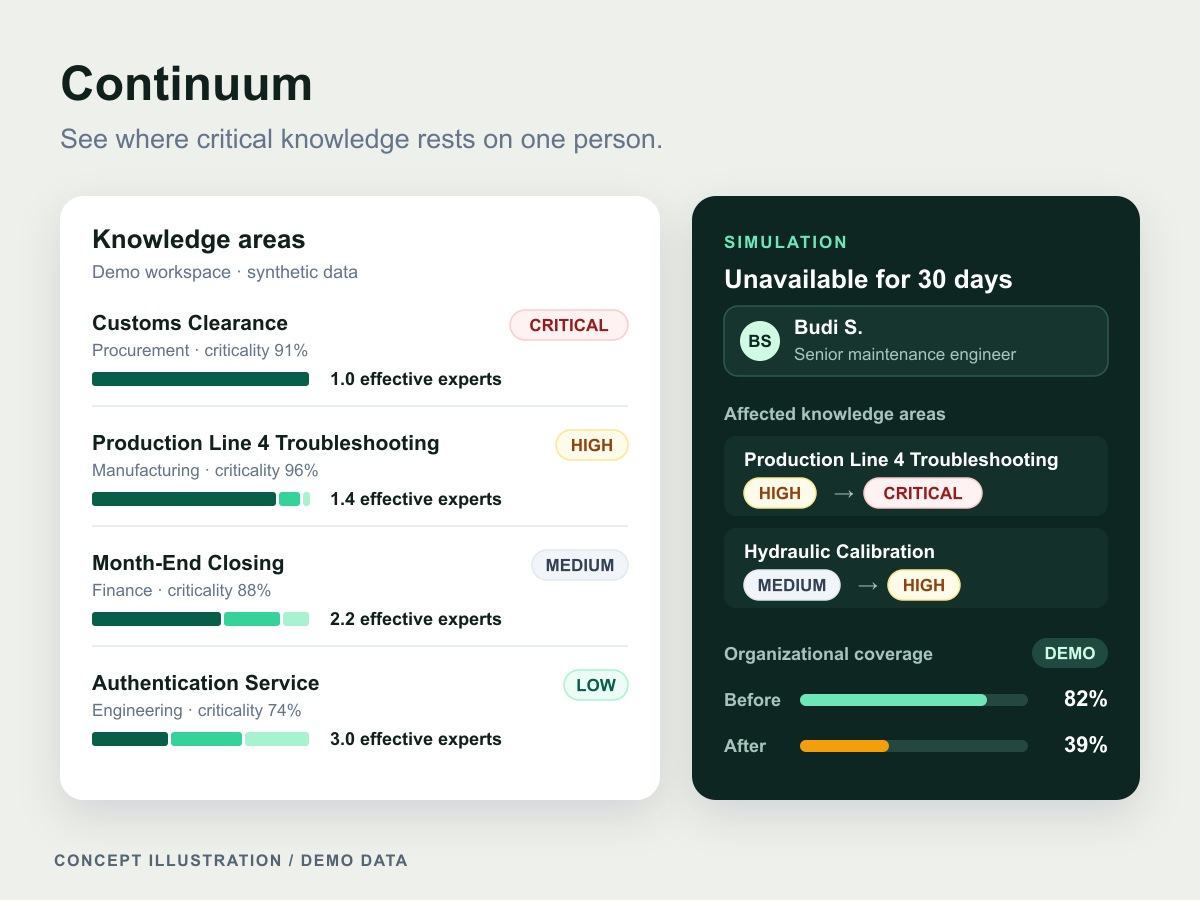
At a glance
- Industry
- Cross-industry
- Capabilities
- 6
- Technologies
- 12
- Year
- 2026
The challenge
Critical know-how can rest on one or two people, and the risk often shows only when they are away.
A month-end close, a customs clearance or a machine calibration can look well documented until the one person who really understands it is unavailable.
Continuum is a knowledge resilience platform built around that problem. Its purpose is to help an organization answer four questions: who knows this, how dependent are we on them, what happens if they are unavailable, and what should we do to reduce that risk.
It is designed for three roles: employees looking for someone who has handled a problem before, department managers who need to know which processes depend on a single person, and knowledge administrators who decide where to build backup expertise. Its first principle is written on the overview itself: Continuum evaluates the resilience of knowledge areas, never employee performance.
What we built
Continuum's platform is a pnpm and Turborepo monorepo with two apps: a server-rendered Next.js workspace and a NestJS REST API that alone owns PostgreSQL, started together by one Docker Compose command.
Sign-in for three roles
Employees, department managers and knowledge administrators sign in with Auth.js credentials that the API verifies, and the workspace shows each person's name and role
Tokens kept on the server
The browser never sees an API token: the session it can read holds only id, name, email and role
A deny-by-default API
A versioned REST API under /api/v1 publishes OpenAPI documentation, rejects input with unknown fields, and checks the bearer token and any role a route declares. Only the login and health endpoints are public
Secure defaults
The API refuses to start with an invalid URL or a signing secret shorter than 32 characters, the application containers run as a non-root user, and the web app sends headers that block framing and content sniffing
One-command startup
Docker Compose builds both apps, applies committed Prisma migrations and runs an idempotent seed with one account per role and stable IDs. Each service starts only when the services it depends on are healthy or complete
A responsive, accessible workspace
Sign-in and the workspace shell work from phone to desktop and by keyboard alone. The shell swaps its desktop sidebar for a scrolling navigation bar on small screens, offers a skip link and opens on an overview of live API, PostgreSQL and Redis status
Sign-in for three roles
Employees, department managers and knowledge administrators sign in with Auth.js credentials that the API verifies, and the workspace shows each person's name and role
Tokens kept on the server
The browser never sees an API token: the session it can read holds only id, name, email and role
A deny-by-default API
A versioned REST API under /api/v1 publishes OpenAPI documentation, rejects input with unknown fields, and checks the bearer token and any role a route declares. Only the login and health endpoints are public
Secure defaults
The API refuses to start with an invalid URL or a signing secret shorter than 32 characters, the application containers run as a non-root user, and the web app sends headers that block framing and content sniffing
One-command startup
Docker Compose builds both apps, applies committed Prisma migrations and runs an idempotent seed with one account per role and stable IDs. Each service starts only when the services it depends on are healthy or complete
A responsive, accessible workspace
Sign-in and the workspace shell work from phone to desktop and by keyboard alone. The shell swaps its desktop sidebar for a scrolling navigation bar on small screens, offers a skip link and opens on an overview of live API, PostgreSQL and Redis status
How it works
Sign in through the server
Auth.js sends the credentials from the Next.js server to the API's login endpoint. NestJS compares the bcrypt hash stored in PostgreSQL and returns a signed one-hour token with safe identity fields, and Auth.js seals that token inside its encrypted cookie.
Check access twice
Every protected page verifies the session on the server before it renders, so an anonymous request is redirected to sign-in without any page content. Every API request needs a valid bearer token unless its route is explicitly public, and a global role guard enforces any role a route declares.
Start in dependency order
Docker Compose waits for a healthy PostgreSQL, applies the committed migrations, runs the idempotent seed and starts the API once Redis is healthy. The web app starts only after the API's readiness probe confirms that PostgreSQL and Redis are reachable.
Engineering insights
Continuum is a modular monolith: the NestJS API alone owns Prisma and PostgreSQL, and the Next.js app never touches the database. Most of the decisions below were checked in unit tests and again against the running containers.
Stack by layer
- Frontend
- Next.js
- React
- TypeScript
- Tailwind CSS
- shadcn/ui
- Radix UI Slot
- class-variance-authority
- tailwind-merge
- Lucide
- Backend
- NestJS
- Express
- Auth.js (next-auth 4)
- OpenAPI (Swagger UI)
- class-validator
- JWT (@nestjs/jwt)
- bcryptjs
- Zod
- Data
- PostgreSQL
- Prisma
- Redis
- ioredis
- Infrastructure
- Docker
- Docker Compose
- Node.js
- pnpm
- Turborepo
- Vitest
- ESLint
- Prettier
Every protected page checks its own session
Next.js renders a layout in parallel with its page, so a redirect in the layout alone still let the overview's server-component payload into the anonymous 307 response, which container acceptance caught by reading the raw response body. Every protected page therefore calls requireSession() itself, wrapped in React cache() so the layout and the page share one session lookup per request
The API token never reaches the browser
Auth.js keeps the API's one-hour token inside its encrypted, HTTP-only cookie and exposes only id, name, email and role to the browser. The Auth.js secret and the API signing secret are separate, and a unit test fails if the token appears in the serialized session
Failed sign-ins do not reveal which accounts exist
The API always runs a bcrypt comparison, against a fixed fallback hash when the email is unknown, and returns one generic 401 for an unknown email, a wrong password or a disabled account. In the recorded container acceptance run, both failure cases returned the identical response, with direct API timings of 0.448 s and 0.435 s
Startup waits on health checks, not timers
One API image runs three ways (a migrate job, an idempotent seed and the API itself), and each starts only when its dependencies are healthy or complete. Liveness only says the process answers, while readiness queries PostgreSQL and pings Redis together and returns 503 naming the failed dependency: with Redis stopped, liveness stayed 200 and readiness returned 503 until Redis came back
Sign-in identities are kept apart from employees
The User model is an authentication identity with a role and a status, and nothing about departments, job titles, evidence or expertise. Organizational people belong to a separate Employee concept, so login concerns never shape the knowledge model, and the contributor guide warns against mistaking one for the other
Design system
Forest and canvas is a calm, light language for an internal enterprise workspace: clean, dense but readable and data-first, without neon colours or heavy gradients.
Colour palette
- Canvas
#f5f6f2Application background behind the workspace shell and overview cards - Ink
#10201cDefault body text, a green-tinted near-black - Deep forest
#0c2823Sign-in brand panel; the brand tile, active navigation item and privacy card use the similar emerald-950 - Sage mist
#eef1ebSign-in page backdrop around the framed card - Hairline
#e2e8f0Default border colour for every element - Mint
#a7f3d0Text selection highlight, paired with dark green text
Colour
An off-white canvas and green-tinted ink keep content quiet, and deep forest green marks the brand, the current page and the privacy card. Emerald and amber mark ready and attention states, always beside a text label, in a light-only theme
Typography
Inter leads a system font stack, so no web font is downloaded. Hierarchy comes from size, weight and tracking: semibold headings with tight negative tracking, small uppercase labels with wide tracking and 14 px copy in cards and forms
Components
shadcn/ui in its new-york style with Lucide icons, adapted into five primitives (Button, Badge, Card, Input and Label) built from Tailwind CSS 4 classes, with class-variance-authority variants and Radix Slot on the button. The brand mark is two outlined pill shapes drawn with CSS borders
Accessibility
A skip link moves focus to the main content, and every control has a label and a visible focus indicator. Keyboard-only sign-in was checked at 375 by 812 pixels with no horizontal overflow
Voice
The interface talks about knowledge areas, never people's performance: no rankings, productivity scores or surveillance language, a rule the overview's privacy card states in plain words
Where this fits
Any organization whose critical processes rest on a few experienced people faces the questions Continuum is built around, and any internal tool can start from the same secure, role-aware architecture. Explore our business systems and web applications, or discuss your internal platform.
KEEP EXPLORING
Another problem. A different approach.
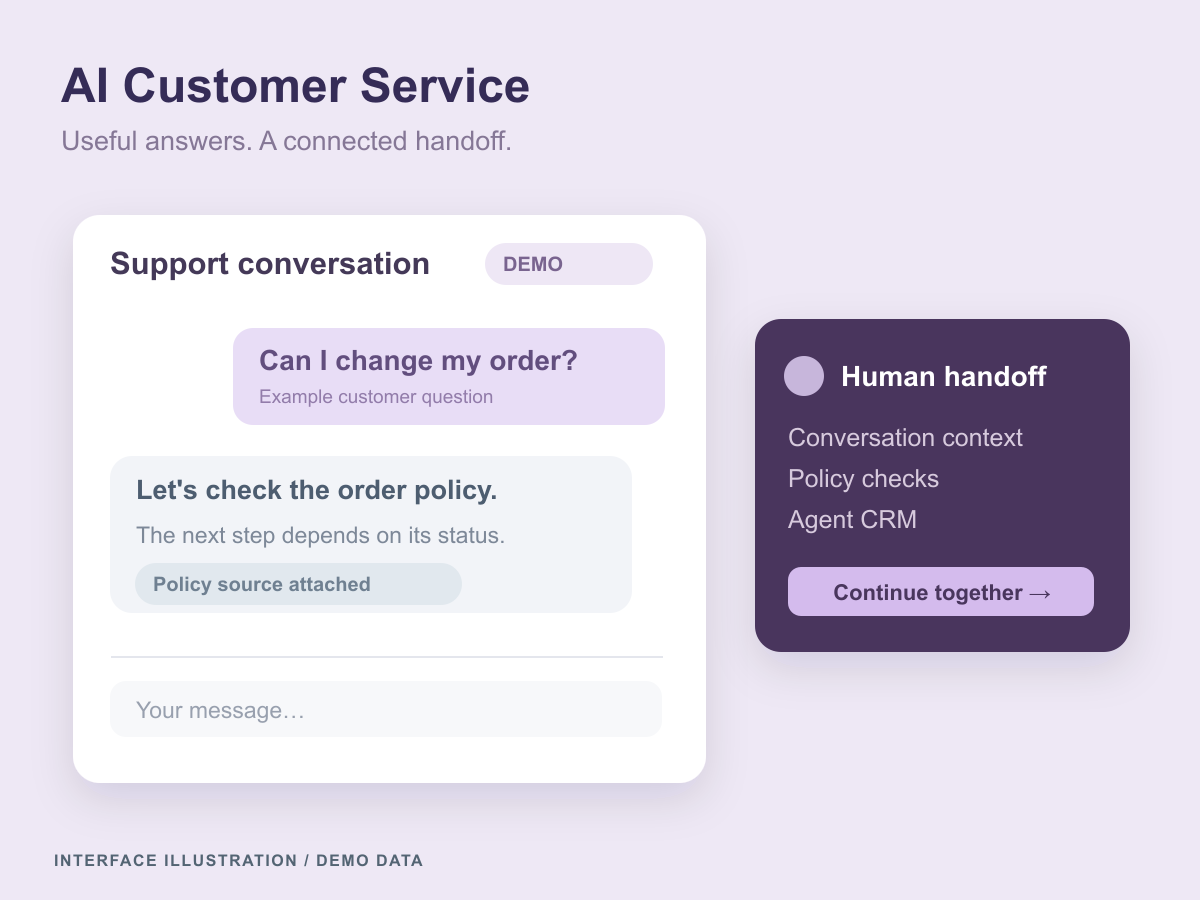
AI Customer Service
A marketplace and food-delivery support platform connecting cited AI answers, policy-checked tools, human handoff, an agent CRM and a versioned knowledge CMS.
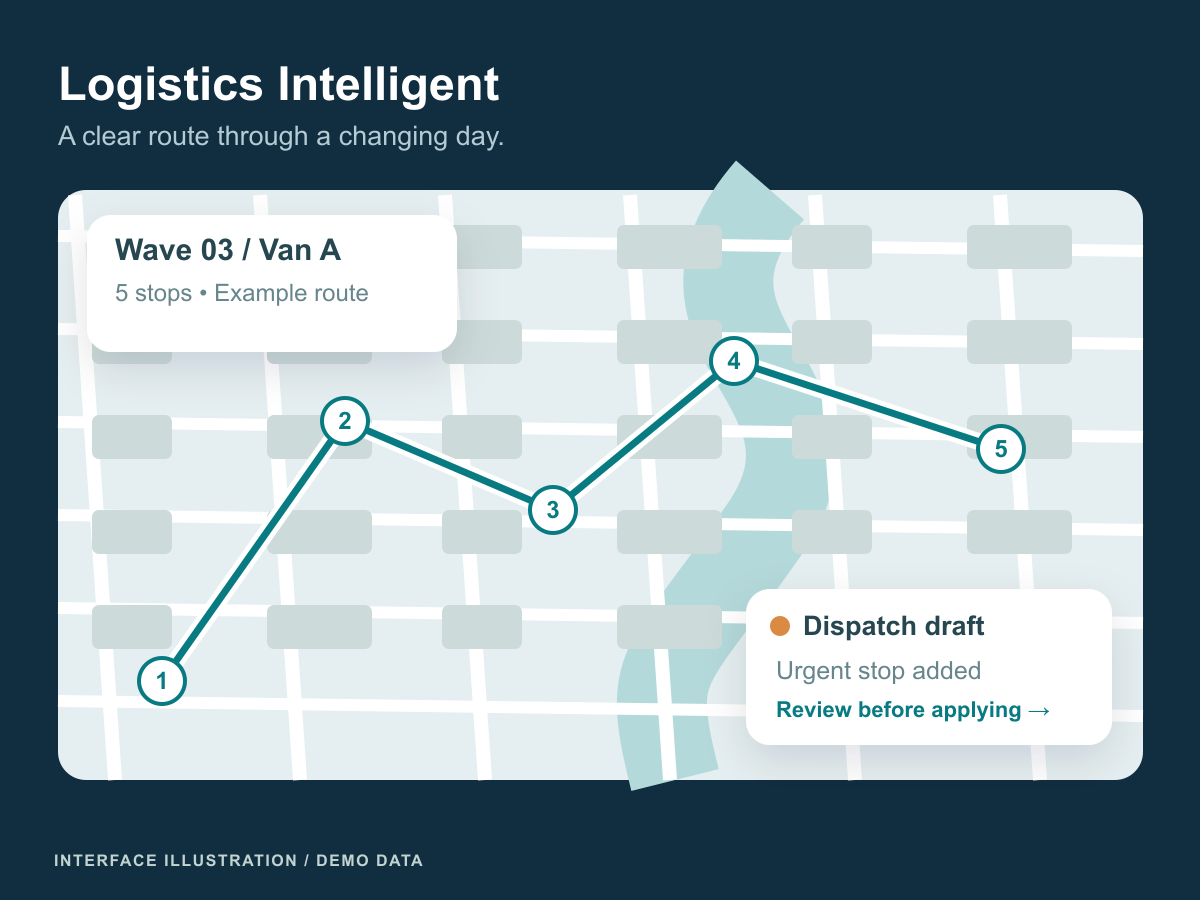
Logistics Intelligent
A dispatch and supply-planning system for delivery routes, fleet disruptions and retail replenishment across multiple warehouses.
Let’s connect the dots
Let's put these ideas to work.
Share a process, product, or problem you want to improve. We will work through the possibilities together.