Business systems
Less busywork. More business clarity.
Good software fits the way your business runs. We bring your processes into connected systems so teams can spend less time moving information and more time acting on it.
From business need to working solution.
A clear scope. A thoughtful experience. A practical path to launch.
The starting point
Sound familiar?
The problems behind the project are where the useful work begins.
Spreadsheets have become the system
Multiple versions, manual checks, and unclear ownership make routine work harder as your organization grows.
Teams see different versions of the truth
Sales, finance, and operations each hold part of the picture, with no reliable flow between them.
Your current software cannot keep up
Workarounds accumulate when a legacy system no longer reflects how the business operates.
What we build
Useful by design.
Concrete capabilities, shaped around your workflow and the people who use it.
Operations and inventory systems
Manage stock, transactions, purchasing, and movement across locations with a clear audit trail.
Workflow and approval platforms
Define responsibilities, route requests, and keep decisions visible without chasing messages.
Integrated business tools
Connect existing ERP, accounting, commerce, and customer tools around agreed sources of truth.
Legacy modernization
Replace or improve outdated components in stages, with migration and continuity planned from the start.
The foundation
Technology that fits the job.
We choose the stack around your requirements, integrations, and long-term ownership. The approach is agreed during discovery.
Applications
Data
Connections
How we work
No mystery between idea and launch.
You can see the direction, review the work, and understand what comes next.
Understand
We map your workflow, listen to the people who use it, and agree on the business problem worth solving.
A clear scope, priorities, and a practical plan.
Design
We turn the plan into user journeys, interface prototypes, and a technical approach you can review before development.
An agreed prototype and implementation roadmap.
Build
We develop in focused iterations, demonstrate working software, and test the important workflows with your team.
A tested product, with progress visible throughout.
Grow
We prepare the release, hand over documentation, and plan improvements around feedback from real use.
A supported launch and a roadmap for what comes next.
Selected work
See the thinking in practice.
Explore project approaches, their scope, and their documented status.
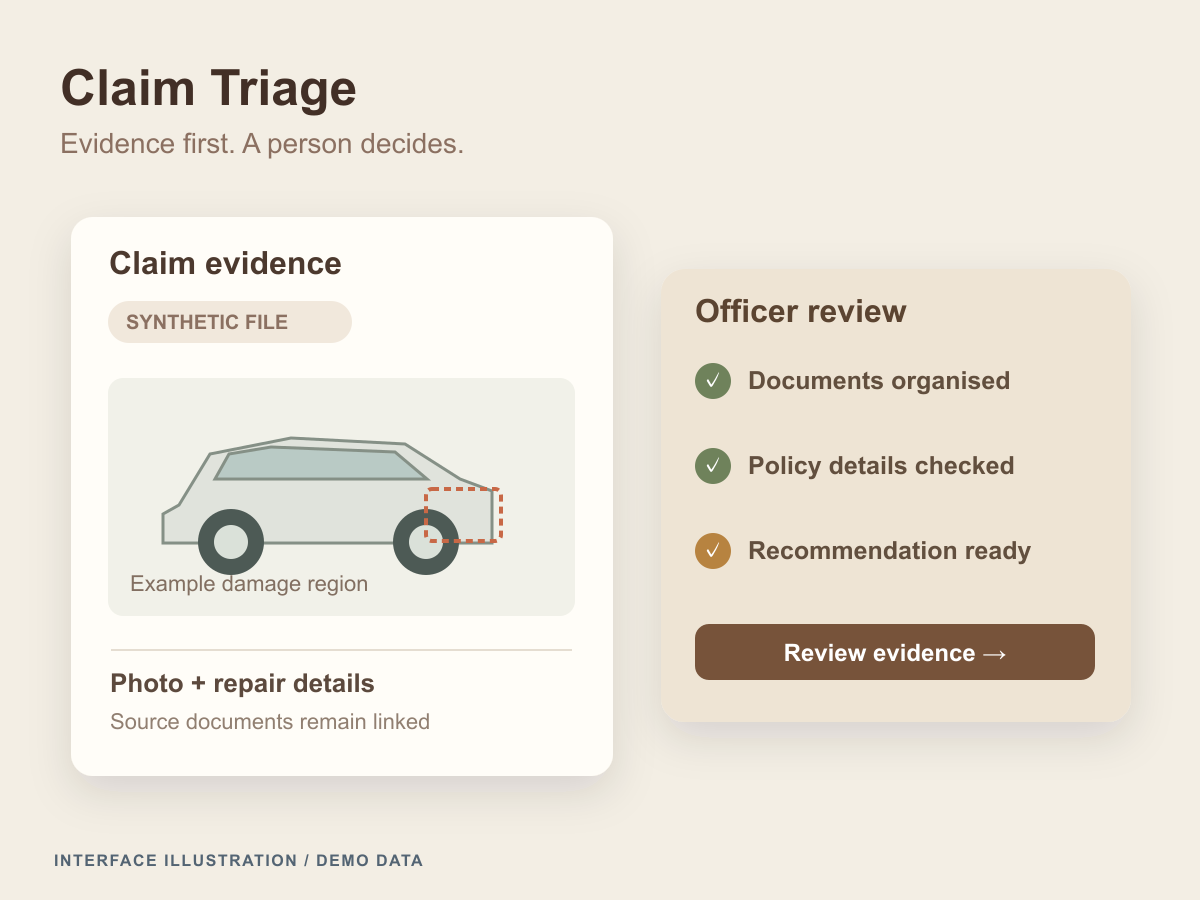
Claim Triage
An insurance review workspace linking claim documents, policy and repair checks, and traceable recommendations for a human officer.
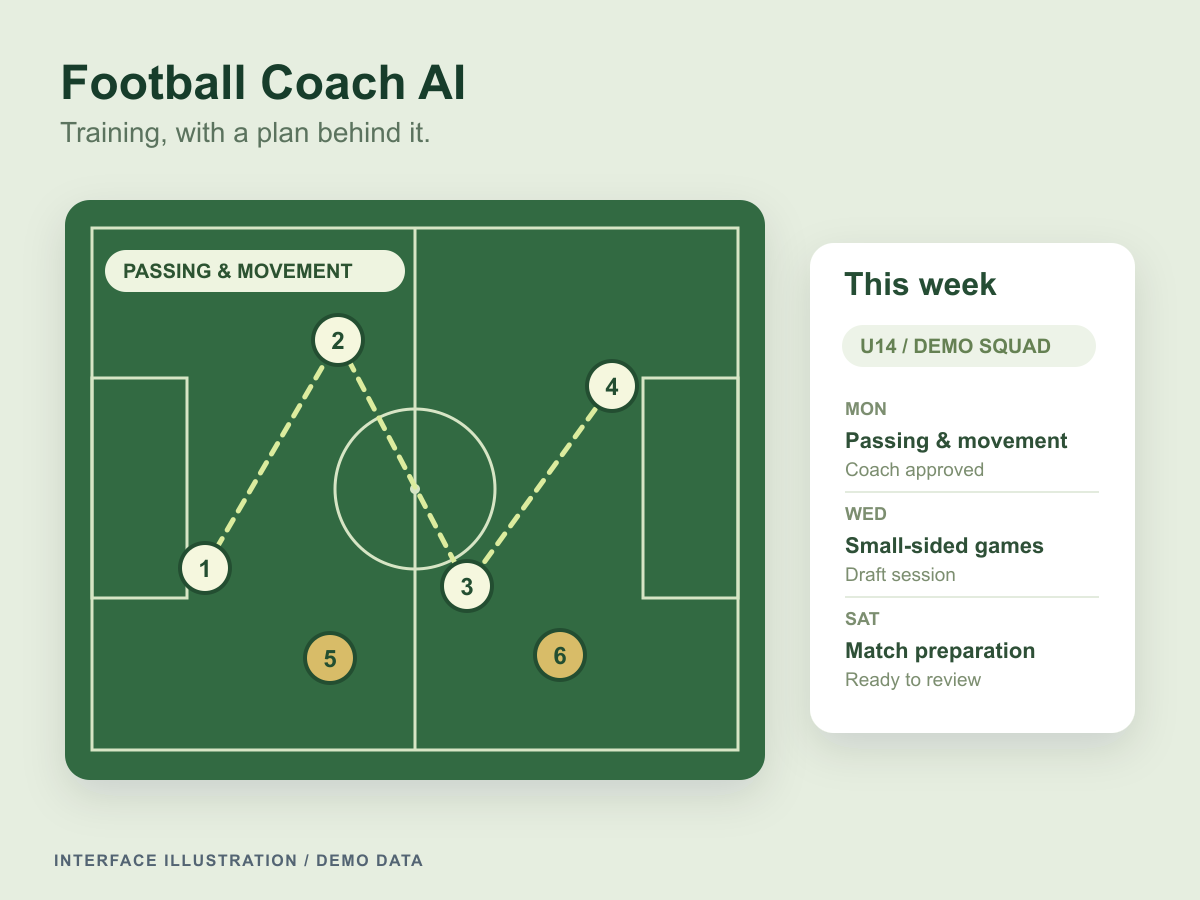
Football Coach AI
An academy workspace connecting training plans, curriculum, matches, and team insights, with a source-grounded assistant and coach approval.
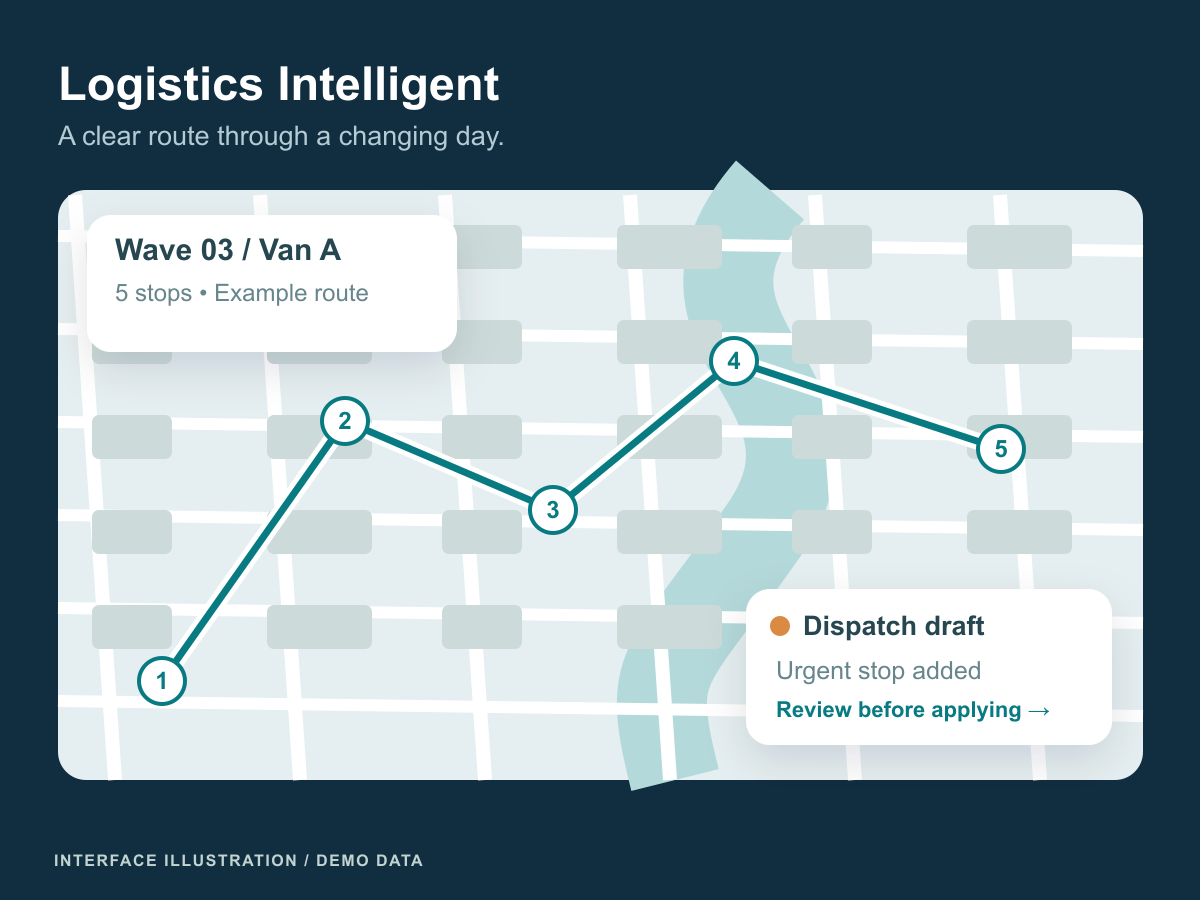
Logistics Intelligent
A dispatch and supply-planning prototype for delivery routes, fleet disruptions, and retail replenishment across multiple warehouses.
A few useful answers
Before we begin.
Every project is different. These answers can help you prepare for the first conversation.
Should we buy an existing system or build a custom one?
We compare your requirements with the available tools first. Existing software is often suitable for standard processes. Custom development becomes useful when your workflow, integrations, or operating model needs a closer fit.
Can we migrate from spreadsheets without stopping operations?
Migration can be phased. We review the source data, agree on cleanup responsibilities, test the import, and plan how old and new processes will run during the transition.
How do permissions and audit trails work?
We define access around user roles and the sensitivity of each workflow. Important changes can be recorded with the user, time, and action so your team can investigate and review activity.
Can different departments use the same system?
Yes. Shared data can support department-specific views and workflows. Discovery helps us agree on record ownership and handoffs so one system does not simply reproduce existing silos.
From our journal
A little context for your next decision.
POS System Build or Buy: Compare Operational Fit
Compare buying and building a POS system by testing payments, refunds, offline work and integrations against the realities of daily store operations.
Retail Stockout Alerts: Connect Signals to Store Actions
Build a retail stockout alert workflow that separates shelf signals from inventory records, assigns store actions and measures useful resolution.
Microservices vs Monolith: Choosing an Architecture That Scales
Microservices vs monolith for business systems: what each costs to run, why a modular monolith often wins, and which signals justify splitting a service.
HR and Payroll Automation: Keep Approvals and Audit Clear
Connect HR and payroll through approved records, controlled corrections and reconciliation without embedding unreviewed employment or tax assumptions.
Clinic and Hospital Management Systems: Digitalizing Patient Flow
What a clinic management system should do at each step of patient flow, which BPJS and SATUSEHAT links it needs, and how to roll it out safely.
Restaurant Kitchen Workflows: Keep Orders in Context
Plan kitchen order software with clear item states, changes, station routing and reconciliation between preparation, fulfilment and payment records.
Let’s connect the dots
Let's make your next step clear.
Tell us where business systems could help your business. We will start with your needs and work from there.