PROJECT STUDY
Rukisa
Guests scan and send. The couple keeps the originals.
Wedding photo sharing: guests scan one QR and send photos with no app or account, and the couple curates the verified originals in a private gallery, newest first.
Explore the build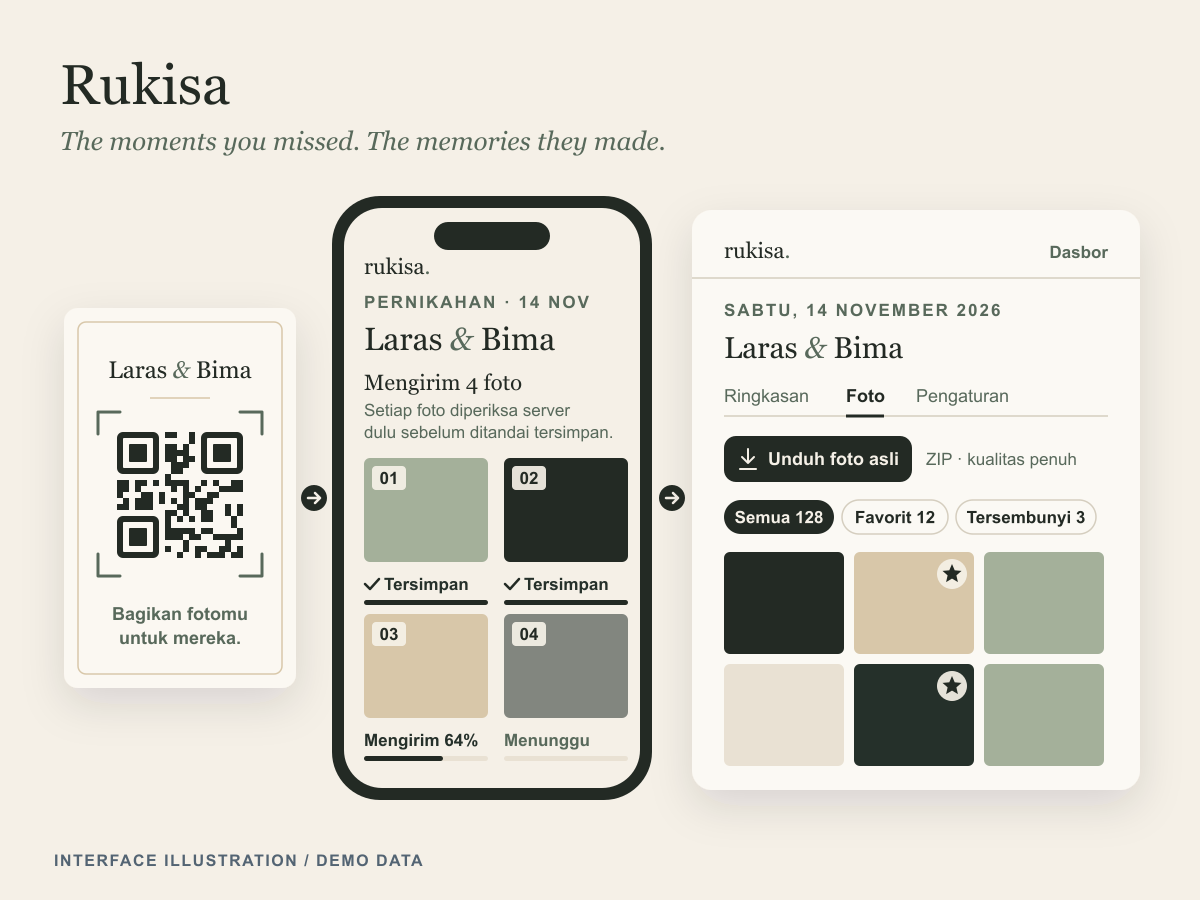
At a glance
- Industry
- Events
- Capabilities
- 6
- Technologies
- 12
- Year
- 2026
Automated tests passing against PostgreSQL
The challenge
The most candid wedding photos are taken by guests, and they end up scattered across phones and chat groups, often compressed on the way.
Couples want every original in one private place, but guests will not install an app, create an account or wait on a weak venue connection to share them.
Trust matters as much as convenience. A guest needs to know that a photo really arrived before closing the page, and a couple needs to know that the archive they download holds exactly what was sent.
What we built
Rukisa is a mobile-first web product built around one communal QR code: a guest capture page, a private couple dashboard and an editorial landing page, all written in Indonesian.
One QR, no app or account
Guests scan the communal QR, take a photo or pick from their gallery, and send it without a login, a name or an RSVP
Saved means verified
Each photo shows its own progress, and "Tersimpan" (saved) appears only after the server has checked the stored bytes. A failed photo can be retried on its own or together with every other failed photo
A private couple gallery
Couples create events, download the guest QR as an SVG for printing, and browse verified photos newest first, with WebP thumbnails and previews stripped of EXIF and GPS data
Curation
Photos can be favourited, hidden or permanently deleted, one at a time or in bulk. Hidden photos stay with the couple and are excluded from anything a guest could see
Originals in one download
A ZIP of all photos or of favourites holds the untouched originals with a SHA256SUMS.txt manifest, built in the background with real progress and downloadable for 24 hours
Guest links under control
The couple can rotate the capture code so an old QR stops at once, close uploads, or set an upload window in WIB, WITA or WIT
One QR, no app or account
Guests scan the communal QR, take a photo or pick from their gallery, and send it without a login, a name or an RSVP
Saved means verified
Each photo shows its own progress, and "Tersimpan" (saved) appears only after the server has checked the stored bytes. A failed photo can be retried on its own or together with every other failed photo
A private couple gallery
Couples create events, download the guest QR as an SVG for printing, and browse verified photos newest first, with WebP thumbnails and previews stripped of EXIF and GPS data
Curation
Photos can be favourited, hidden or permanently deleted, one at a time or in bulk. Hidden photos stay with the couple and are excluded from anything a guest could see
Originals in one download
A ZIP of all photos or of favourites holds the untouched originals with a SHA256SUMS.txt manifest, built in the background with real progress and downloadable for 24 hours
Guest links under control
The couple can rotate the capture code so an old QR stops at once, close uploads, or set an upload window in WIB, WITA or WIT
How it works
Reserve, upload, verify
The guest's browser reserves an upload and receives a server-generated key with a 15-minute HMAC-signed URL bound to the exact size and type. It sends the original bytes straight to that URL, and a finalize call re-reads the stored object, checks its size and image signature and records its SHA-256 before the photo counts.
Queue the follow-up work
Finalize marks the photo verified and queues its preview job in the same PostgreSQL transaction. Two in-process workers share a PostgreSQL job table: a media lane for WebP previews, deletion cleanup and expiry, and an export lane for ZIP builds, so the product runs without Redis or a separate queue service.
Scope every read
A host access key is exchanged for an HMAC-signed, HttpOnly session cookie scoped to the host. Every dashboard query and media route then checks the host, the event and the photo's verified state in that order and answers 401 or 404 outside that chain, and every page is served noindex with a same-origin referrer policy.
Stream the originals
An export snapshots its photos, confirms that every original is present at its verified size and that free disk covers the archive, then streams the originals with yazl in STORE mode so the bytes go in unchanged. The download route re-checks the session, the event, the expiry and any deleted photos on every request, including resumed byte ranges.
Engineering insights
The product's promise is that saved means saved, so every state a guest or a couple sees is backed by a check on the stored bytes.
Stack by layer
- Frontend
- Next.js
- React
- TypeScript
- CSS Modules
- Backend
- Node.js
- Next.js Route Handlers
- Server Actions
- Postgres.js
- sharp
- yazl
- uqr
- Data
- PostgreSQL
- SQL migrations
- Local disk object storage
- Infrastructure
- pnpm workspaces
- Docker Compose
- Node.js test runner
- ESLint
Saved only after the server checks the bytes
The storage driver writes through a temp file, never overwrites an existing object and discards a body of the wrong size. Finalize accepts only the declared size and a JPEG, PNG, WebP or HEIC/HEIF signature, and it is idempotent across processes through a conditional update on the pending row
A verified photo and its job commit together
Because the verified state and the preview job share one transaction, a crash cannot leave a verified photo without queued work. Workers claim jobs with FOR UPDATE SKIP LOCKED under a five-minute lease, and every state write checks the worker's lock, so a worker that lost its lease cannot overwrite the result
Deleted only after storage is re-checked
A deletion moves photos out of the verified state in one SQL statement, so access ends at once, and a cleanup job removes the original and every derivative, then re-checks each key before writing a tombstone without file name or checksum. Preview jobs re-check the photo under a lock before saving, so a deleted preview is never recreated
Every ZIP entry matched to its upload
Each original is hashed against the SHA-256 recorded at upload as it streams into the archive, so a missing or altered original fails the export with a named reason and leaves no partial file. The archive carries a SHA256SUMS.txt manifest and switches to ZIP64 when it needs to
The guest link can add photos, never read them
The communal QR carries a capture code built from the couple's names and 40 random bits. It can only reserve and finalize uploads for its own event and returns no photos, and hidden or deleted photos are filtered out inside the database by a guest-visible view
Design system
Quiet Evergreen / Ivory Film treats the product as an art-directed wedding journal rather than a software dashboard: forest, ivory and champagne anchor plain CSS custom properties, hairlines replace cards and the photographs carry the colour, for Indonesian couples and their guests, older guests and weak venue connections included.
Colour palette
- Forest
#232a24Headings and the couple's names, primary buttons, focus rings, selected states and the printed QR - Ivory
#f5f0e7Page background and labels on forest buttons - Champagne
#d8c7a9The hairline under the couple's names, and accents on dark forest sections - Parchment
#e9e1d3Quiet surfaces for the guest-link panel, notices, count chips and photo placeholders - Deep ink
#25302aBody copy and interface labels - Muted evergreen
#58695bSecondary text, eyebrows and captions - Error ink
#9c4037Failed-upload captions, form errors and the outlined delete button
Colour
Forest anchors headings, the couple's names, primary buttons and focus rings on an ivory page. Champagne draws the hairline under the names, parchment holds the quiet panels, and a dedicated error ink marks failed uploads and form errors
Typography
No web fonts load, so pages stay light on venue connections: a platform serif stack sets the couple's names and headings, and the system sans sets body copy, forms and buttons. Guest body text is 16 px with an 18 px lead, and frame numbers and counts use tabular numerals
Components
Everything is in-house, with no UI kit, icon pack or animation library: global button, form, chip and focus classes, CSS Modules per feature, seven inline SVG icons always paired with text or an accessible label, a server-rendered QR code and a native dialog for permanent deletion that focuses the cancel button first
Accessibility
Primary controls are 52 px tall and every touch target is at least 44 px, focus stays visible, motion respects reduced-motion settings, and each state offers one obvious primary action
Where this fits
Any product that collects files from many people, from event photos to site inspections, needs the same two guarantees: almost no effort for the sender and verified originals for the owner. Explore our web apps and events work, or talk to us about your product.
KEEP EXPLORING
Another problem. A different approach.
RAG Finance
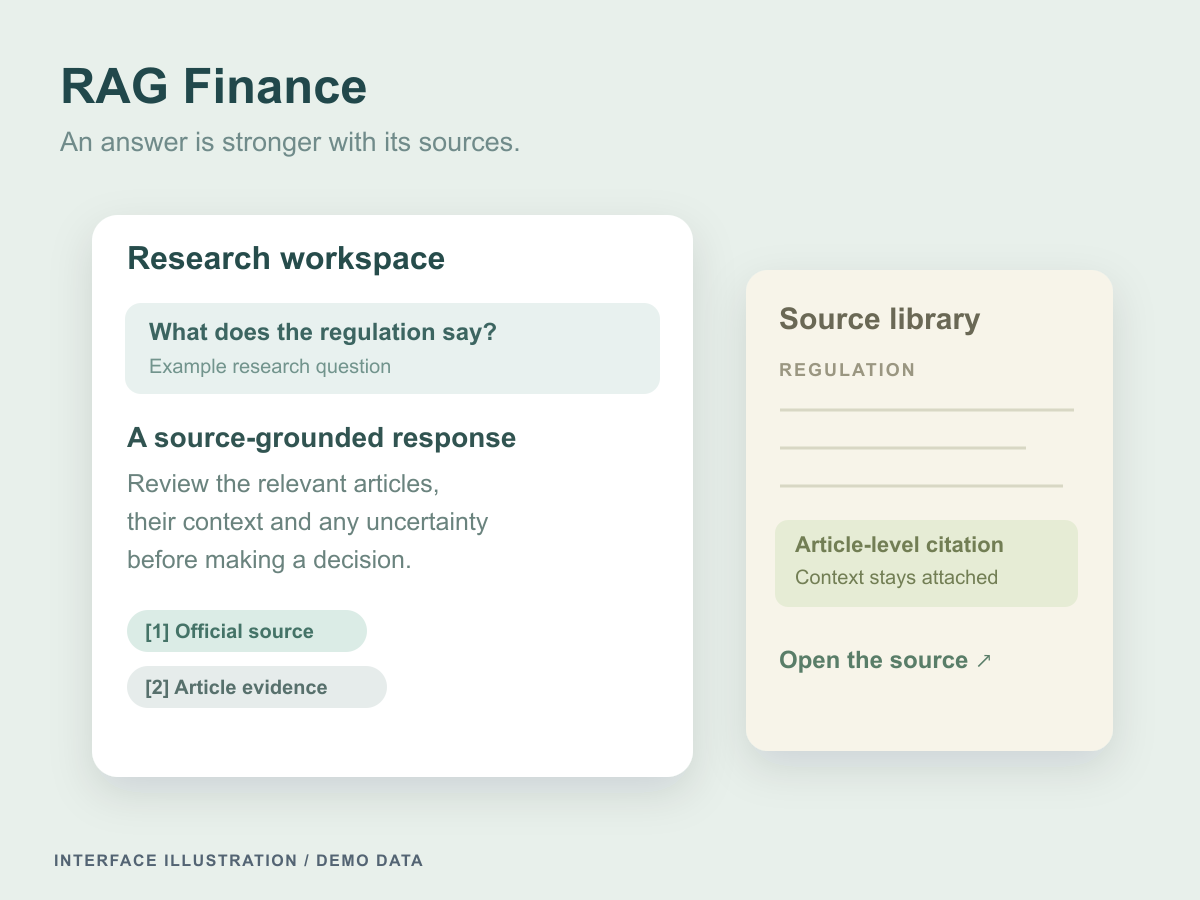
A research assistant for Indonesian finance and tax regulations that answers from indexed sources, cites article and page evidence, and says so when the evidence falls short.
Finly
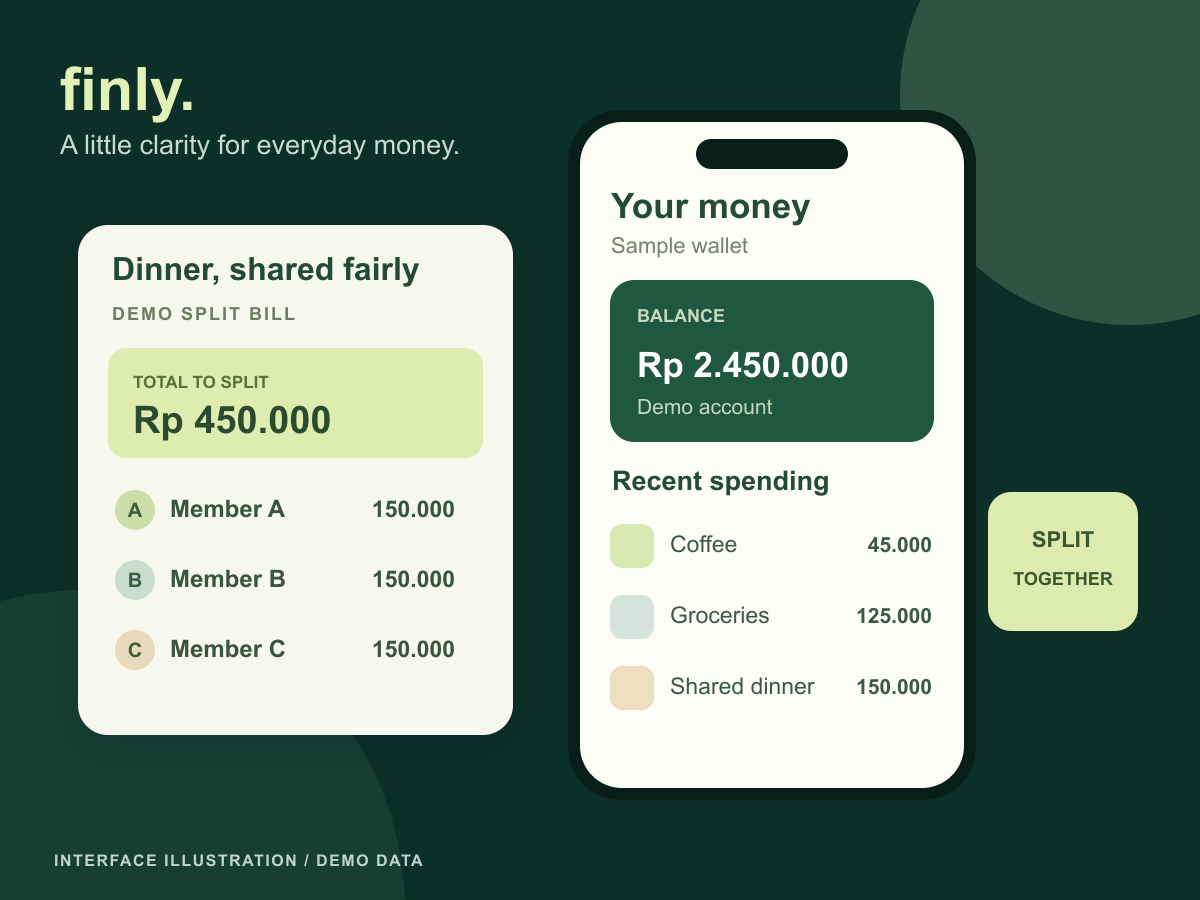
A personal-finance and split-bill app connecting receipt review, shared bills, realtime item claims and traceable settlement on a balanced ledger.
Let’s connect the dots
Let's put these ideas to work.
Share a process, product, or problem you want to improve. We will work through the possibilities together.