PROJECT STUDY
Mining Fatigue Guard
Alarm in the cab, action in the control room.
In-cab fatigue and driving monitoring for open-pit haul trucks: a microsleep alarm in the cab and a control-room console where supervisors see, acknowledge and act on each alarm.
Explore the build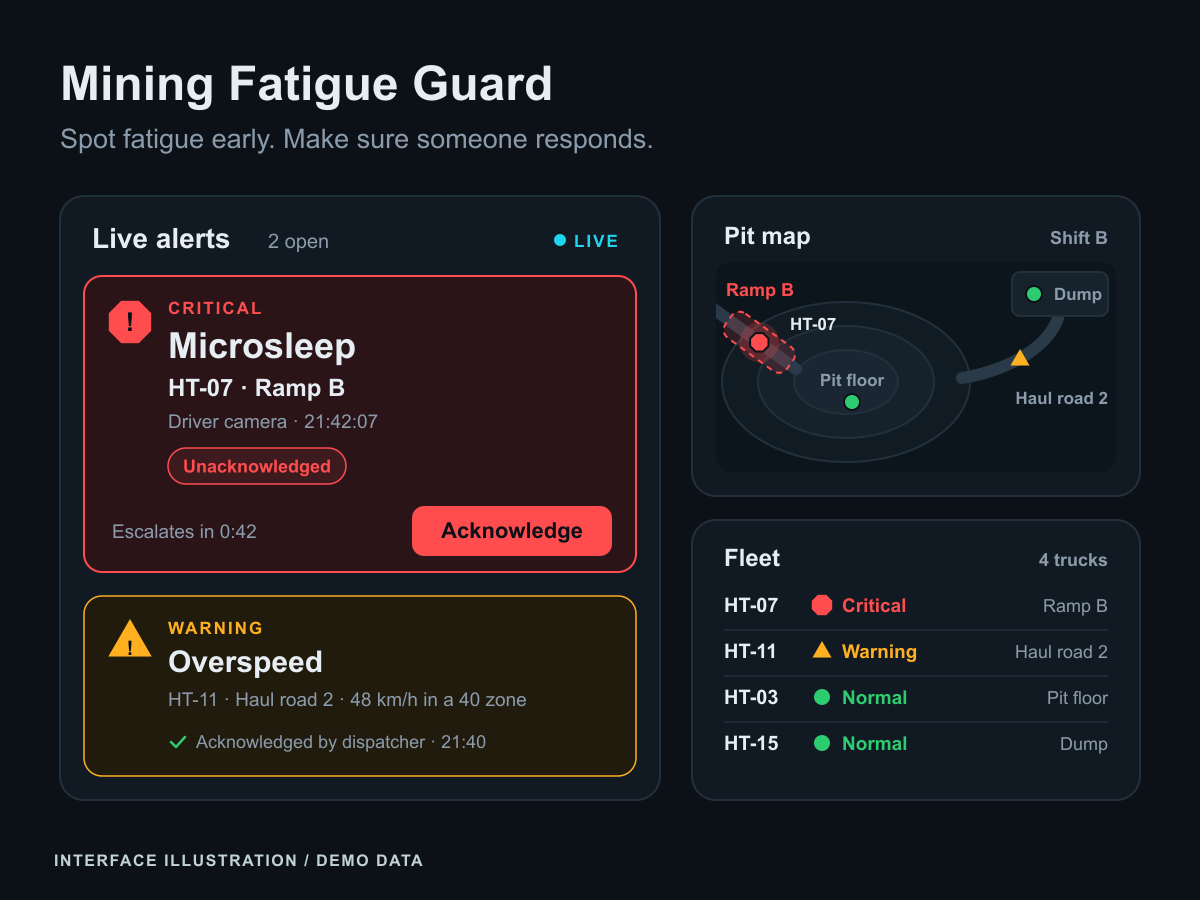
At a glance
- Industry
- Mining
- Capabilities
- 7
- Technologies
- 12
- Year
- 2026
The challenge
A microsleep at the wheel of a loaded haul truck can end in a serious incident, and nobody in the control room can watch every cab.
Operators in Indonesian open-pit coal mines drive long shifts, often through the night, while eyes off the road, overspeeding on a ramp or a stop in the wrong place add to the risk.
Mining Fatigue Guard makes the safety decision in the cab, where a camera and a small computer sound the alarm as soon as an eye closure reaches microsleep length. It then gives supervisors one console to see, acknowledge and answer every alarm across the fleet.
What we built
An in-cab agent, a site server and a control-room console work as one system.
In-cab fatigue detection
Face landmarks give eye closure, blink duration, PERCLOS, yawning and head pose against each operator's own baseline, and a microsleep (0.5 s of closed eyes by default) sounds the cab alarm while the eyes are still closed
Driving compliance
GNSS and accelerometer telemetry are checked against zone speed limits on ramps, at the crusher and around the workshop, for harsh braking and acceleration, and for stops inside no-stop zones
One alert per episode
A normal, caution and alarm state machine with hysteresis and cooldowns turns flickering signals into episodes, so repeats raise a count on one alert instead of flooding the queue
Store-and-forward delivery
Every event is written to a SQLite outbox in the cab before it is sent, then delivered with an idempotency key and retried with backoff through coverage gaps
Control-room console
A live alert queue, a truck list with heartbeat status, an SVG pit map with zones and truck positions, and an acknowledgement dialog that records who acted, when and how: a radio call, stopping the truck, an operator swap or a false alarm
Shift reports and thresholds
Shift reports count alerts by hour of shift and per operator, with time to acknowledge, and supervisors edit versioned thresholds that every cab fetches and reports back
Privacy by default
No video leaves the cab: events carry metrics, fatigue events add a short signal trace, and a snapshot travels only when site policy allows, downscaled and face-blurred unless evidence snapshots are switched on
In-cab fatigue detection
Face landmarks give eye closure, blink duration, PERCLOS, yawning and head pose against each operator's own baseline, and a microsleep (0.5 s of closed eyes by default) sounds the cab alarm while the eyes are still closed
Driving compliance
GNSS and accelerometer telemetry are checked against zone speed limits on ramps, at the crusher and around the workshop, for harsh braking and acceleration, and for stops inside no-stop zones
One alert per episode
A normal, caution and alarm state machine with hysteresis and cooldowns turns flickering signals into episodes, so repeats raise a count on one alert instead of flooding the queue
Store-and-forward delivery
Every event is written to a SQLite outbox in the cab before it is sent, then delivered with an idempotency key and retried with backoff through coverage gaps
Control-room console
A live alert queue, a truck list with heartbeat status, an SVG pit map with zones and truck positions, and an acknowledgement dialog that records who acted, when and how: a radio call, stopping the truck, an operator swap or a false alarm
Shift reports and thresholds
Shift reports count alerts by hour of shift and per operator, with time to acknowledge, and supervisors edit versioned thresholds that every cab fetches and reports back
Privacy by default
No video leaves the cab: events carry metrics, fatigue events add a short signal trace, and a snapshot travels only when site policy allows, downscaled and face-blurred unless evidence snapshots are switched on
How it works
Calibrate at shift start
At the start of each shift, the agent measures the operator's open-eye ratio, blink depth, resting mouth and forward head pose, then freezes that baseline for the shift. MediaPipe Face Landmarker supplies the landmarks from a camera or video through OpenCV, behind a replaceable landmark provider interface.
Decide in the cab
Eye aspect ratio, mouth aspect ratio, PERCLOS and head pose from OpenCV solvePnP feed the alarm state machine on the cab computer. The driving rules run on the same device over GNSS and accelerometer telemetry, and the cab alarm sounds through a local output without waiting for the network.
Deliver through coverage gaps
Each event is committed to a SQLite outbox before it is sent and retried until the site server gives a definite answer. Heartbeats report each cab's state, its outbox backlog and the threshold version it runs.
Act in the control room
A FastAPI service authenticates each device, stores every event once, rebuilds one alert per episode and pushes it over WebSockets to the React console. Supervisors acknowledge each alarm with the action taken, and the shift report shows alerts by hour of shift and by operator.
Engineering insights
Every safety decision is made in the cab; everything after it is built to survive a weak pit network and a busy control room.
Stack by layer
- Frontend
- React
- TypeScript
- Vite
- TanStack Router
- TanStack Query
- CSS Modules
- SVG
- Lucide icons
- Backend
- Python
- FastAPI
- Uvicorn
- Pydantic
- WebSockets
- HTTPX
- Data
- SQLite
- SQLAlchemy
- AI
- MediaPipe Face Landmarker
- OpenCV
- NumPy
- Infrastructure
- uv
- pytest
- Vitest
- Ruff
- mypy
- Biome
A personal baseline, frozen for the shift
Fixed eye-ratio thresholds fail across faces, safety glasses and camera angles, so each operator is calibrated at the start of the shift and judged against their own open and closed eyes. The baseline does not adapt afterwards, because one that kept learning would slowly accept drowsy eyes as normal, and a calibration well below the operator's stored baseline is flagged while the stored one stays in use
Eye closure judged only facing the road
A glance down at the dashboard lowers the eyelids much as drowsiness does, so closure counts only while the head faces the road and head pose covers the rest: a fast head drop after closing eyes is a nod, one with open eyes is a look down. Closure tracking uses hysteresis, so one noisy frame cannot split a long closure into two short blinks
One alarm per episode, each with a response
Minimum durations and cooldowns turn a flickering condition into one state change, and repeats raise an occurrence count instead of new alerts. Borrowing from ANSI/ISA-18.2 alarm-management practice, only events that need a timely response require acknowledgement, and an acknowledged alert that escalates needs a new one
Nothing lost, nothing assumed normal
Each event keeps its idempotency key across every retry, with exponential backoff and jitter, and a unique key on the server stores it exactly once. Late events keep the time they happened and arrive marked late, and a truck whose heartbeat stops shows as unknown rather than normal
Telemetry corrected for ramps and pit walls
On a descent, gravity reads like braking on the accelerometer, so harsh braking uses filtered deceleration with the surveyed grade removed and must be confirmed by a drop in GNSS speed. Zone membership has a buffer at each boundary and holds its last state when the reported position accuracy is poor, so a truck near a high wall does not flicker between speed limits
Design system
Control room: a dark theme for rooms kept dim around the clock, built on alarm-management practice. Off-white text on a near-black blue-grey limits glare through night shifts, and colour is reserved for status, so critical, warning, normal and info each keep one meaning across the queue, the truck list and the pit map.
Colour palette
- Night background
#0b1117Page background for a control room kept dim around the clock, and the text colour on severity fills - Panel surface
#111a22Panels and cards, outlined with #22303c borders - Off-white text
#e6edf3Primary text, softer than pure white to limit glare - Critical red
#ff4d4fMicrosleeps, head nods and stops in no-stop zones; the only colour that blinks, and only while unacknowledged - Warning amber
#ffb020Eyes off the road, rising PERCLOS, a face the camera cannot see and overspeeding - Normal green
#2ecc71Trucks reporting normally within limits - Info cyan
#22d3eeAdvisory records, links and the focus ring - Muted grey
#8b9babSecondary text and trucks whose status is unknown
Colour
Status colours sit on quiet panels with thin borders, severity badges set dark text on the colour fill, and only an unacknowledged critical alarm blinks
Typography
Inter Variable, bundled with the console instead of loaded from a CDN, with tabular numerals for times, speeds and durations so live values keep their width as they update
Components
In-house React components on CSS custom properties and CSS Modules: the alert queue and acknowledgement dialog, a truck list with heartbeat state, an SVG pit map with zones and truck markers, a signal-trace chart and the shift report charts
Accessibility
Severity always pairs a shape, a colour and a text label: a diamond for critical, a triangle for warning, a circle for normal and a hollow circle for unknown. Every control shows a visible focus ring
Where this fits
Sites that run heavy equipment around the clock need alarms that reach the right person and a record of what was done. We build computer vision that runs at the edge, AI solutions around your safety rules and web applications for the people who respond. Talk to us about your site.
KEEP EXPLORING
Another problem. A different approach.
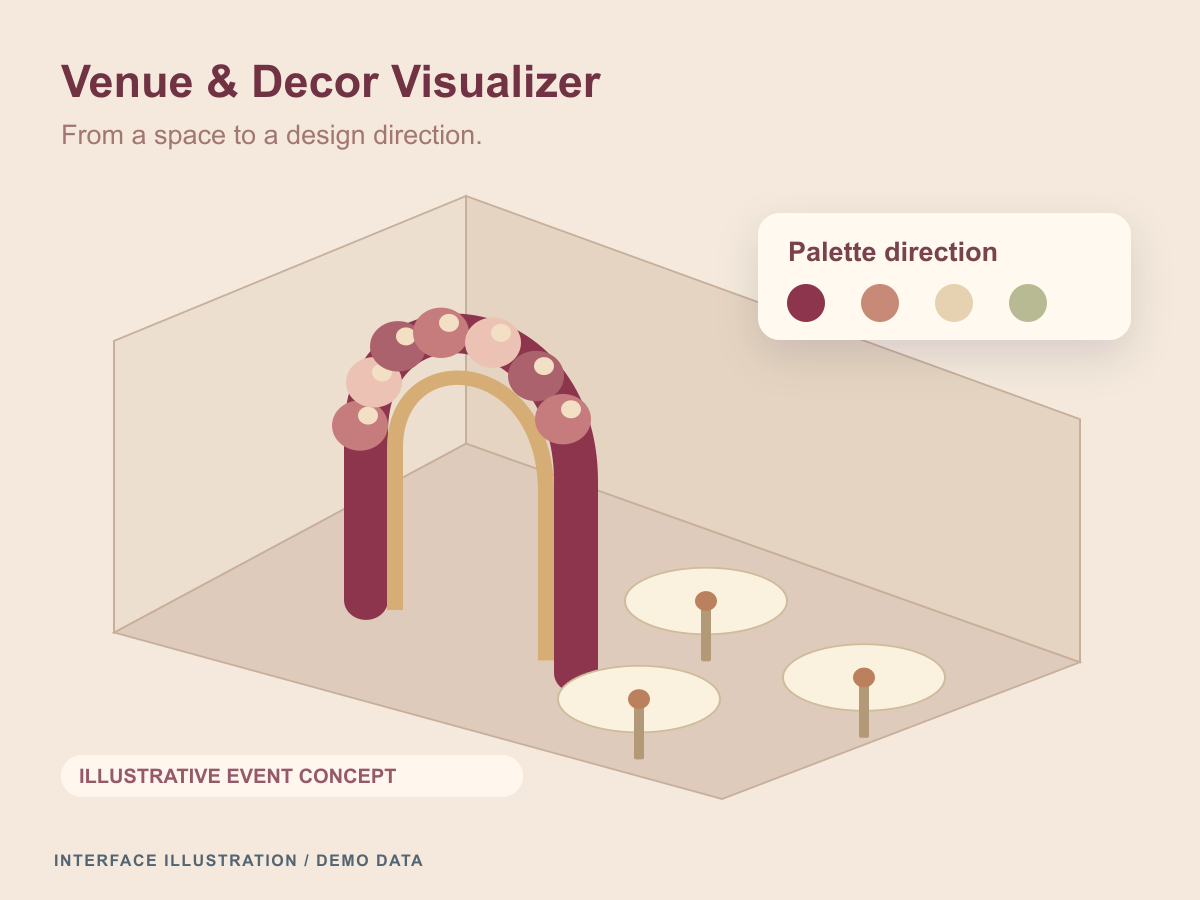
Venue & Decor Visualizer
Bilingual event-design software that connects privacy-aware venue capture, labelled AI previews, client review and proposals priced in code.
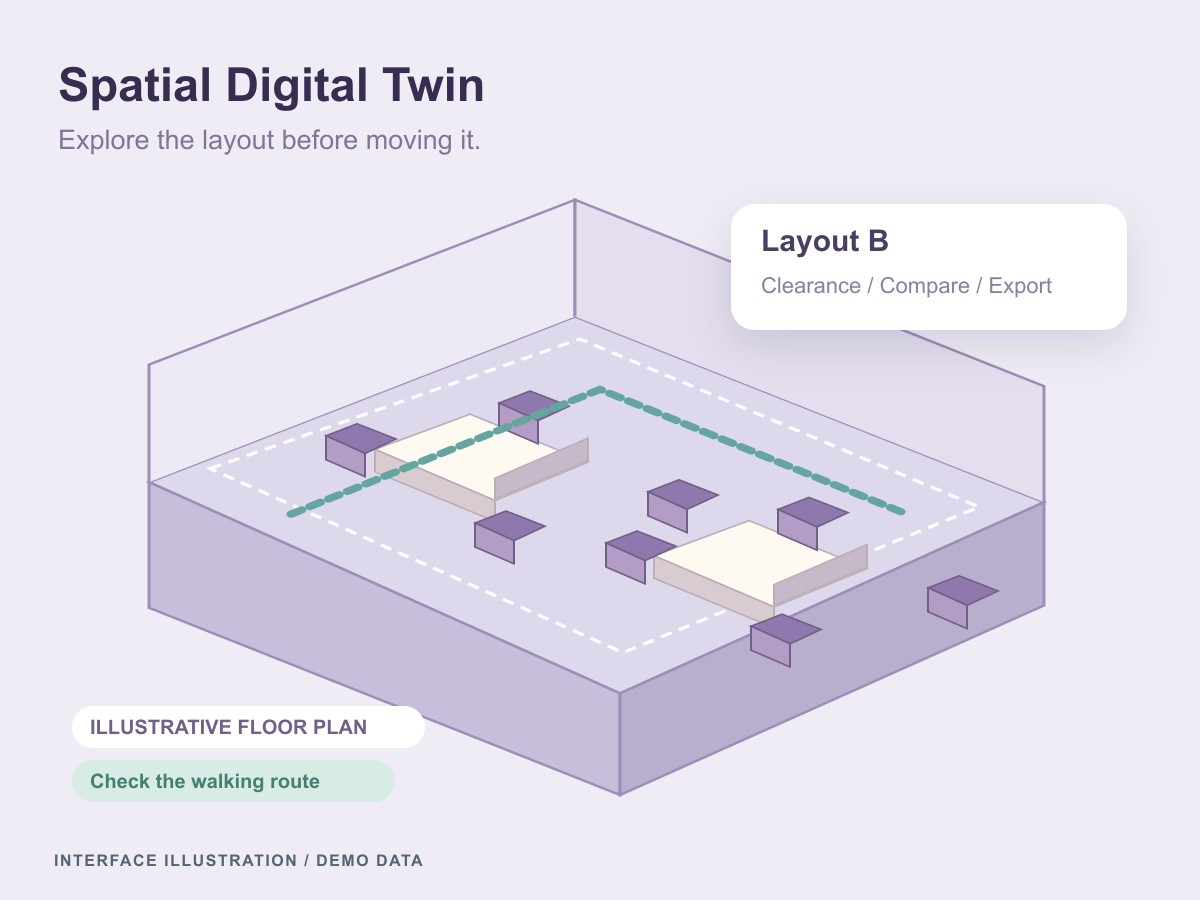
Spatial Digital Twin
An editable 3D planning workspace for comparing room layouts, checking clearances, and simulating queues before a space is rearranged.
Let’s connect the dots
Let's put these ideas to work.
Share a process, product, or problem you want to improve. We will work through the possibilities together.